Noira Cam 3.3 · for iPhone
An analog camera,in your pocket.
Noira Cam takes the photo straight from the iPhone sensor, skips Apple's sharpening and HDR, and develops it in the app with soft color and fine grain.
01Straight from the sensor
Less processing,more photograph.
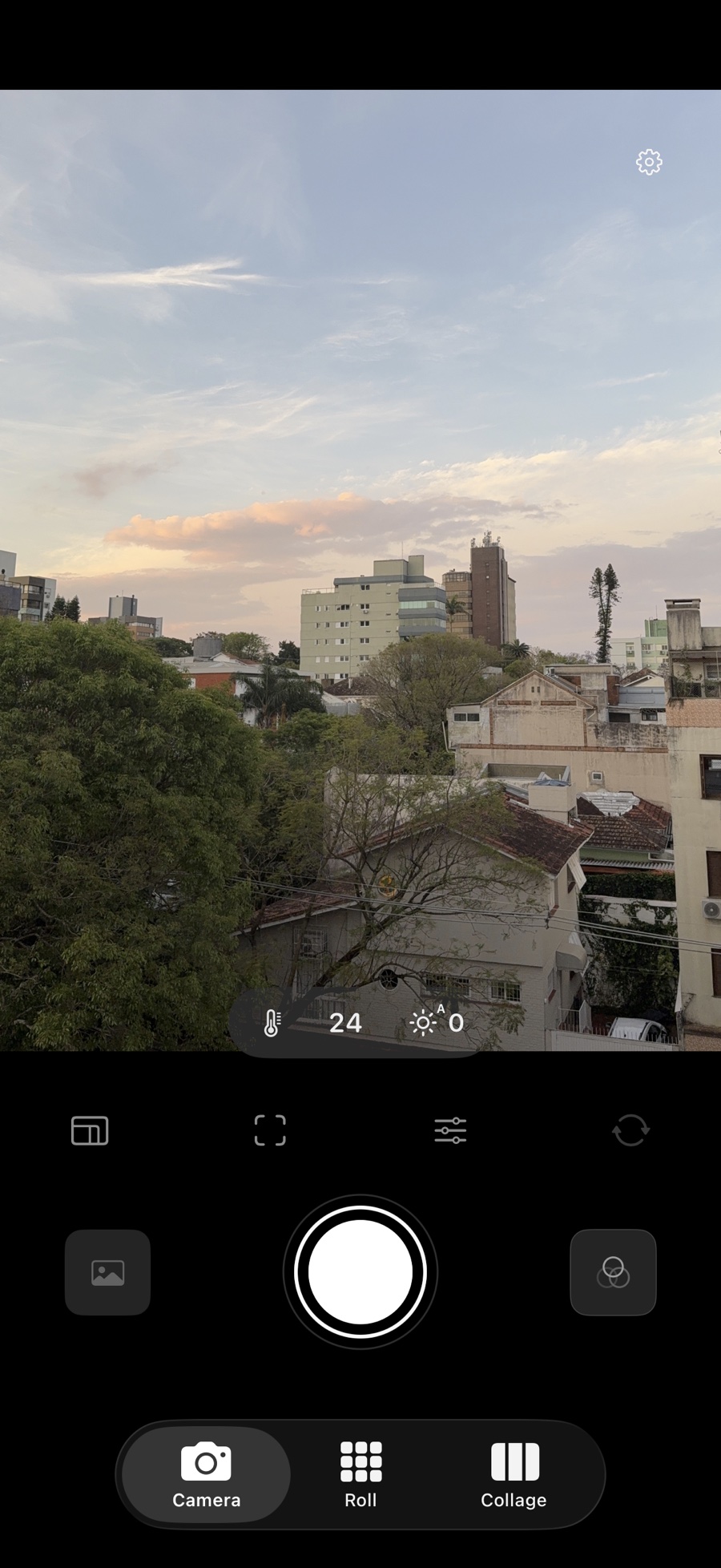
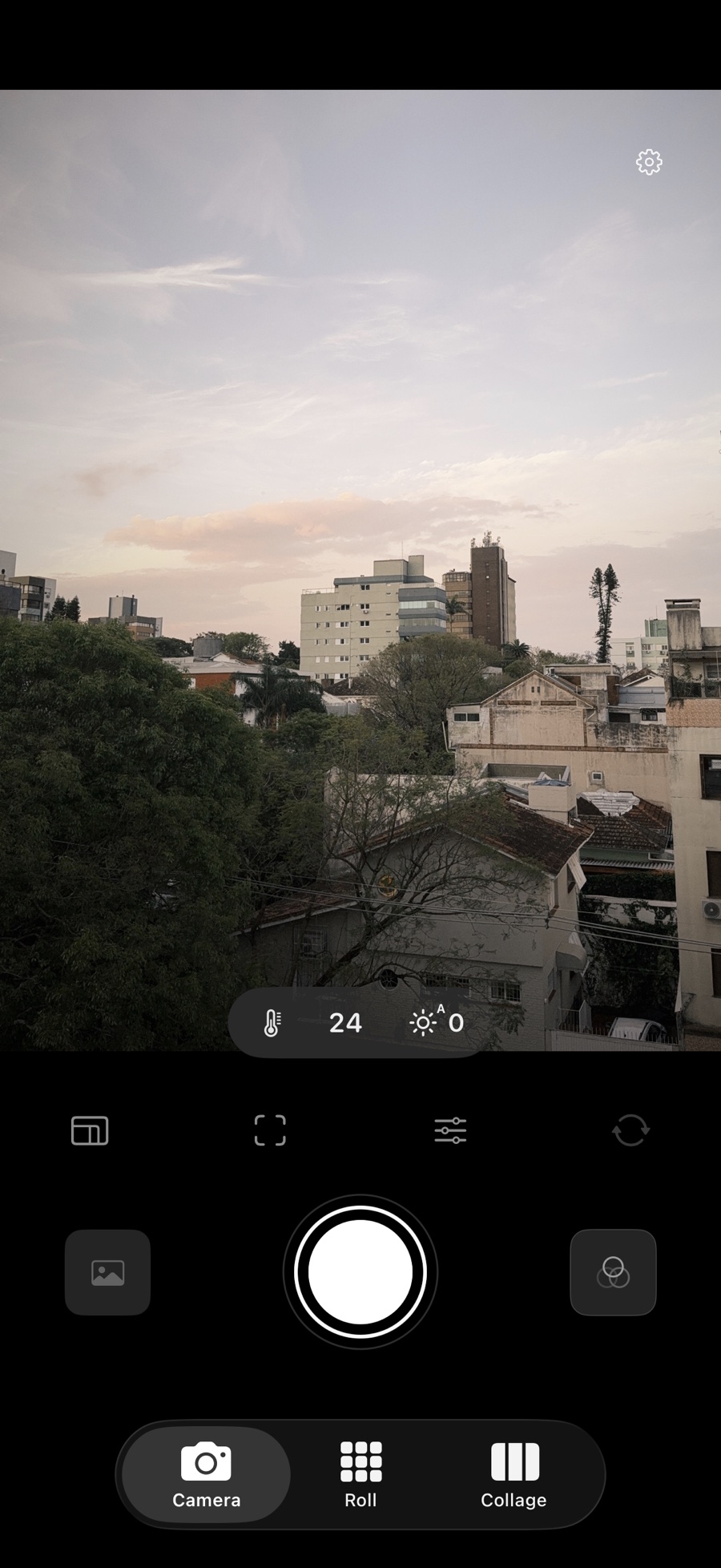
No sharpening, no HDR, no smoothing. Noira Cam captures before all that and develops the file itself, so texture stays and grain looks like grain.
RAW by default
Straight from the main lens. Apple's processing is one switch away.
No halos
Branches and hair keep soft, clean edges. No bright outlines.
Developed on device
Every file is developed on your iPhone. Nothing is uploaded.
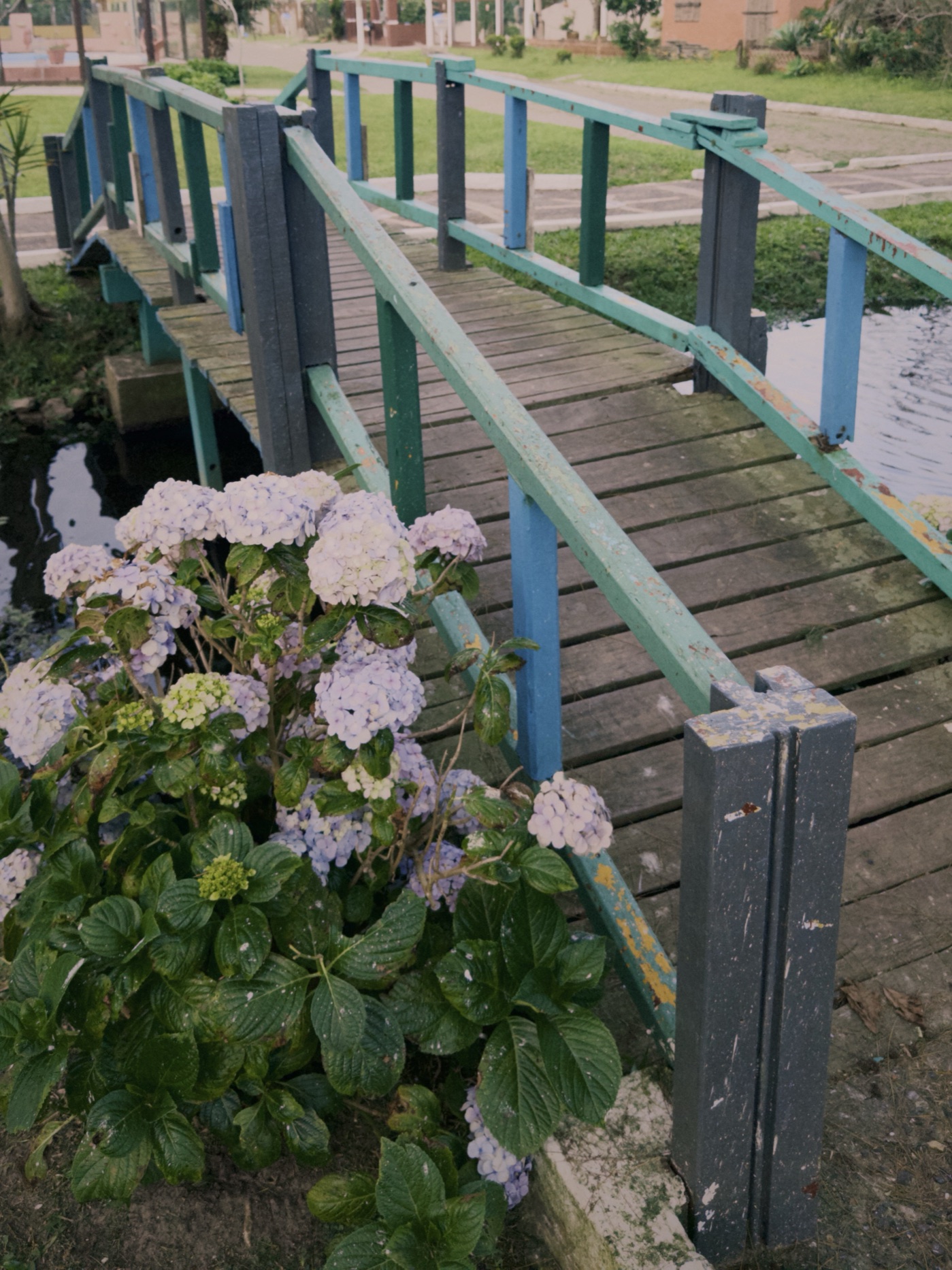
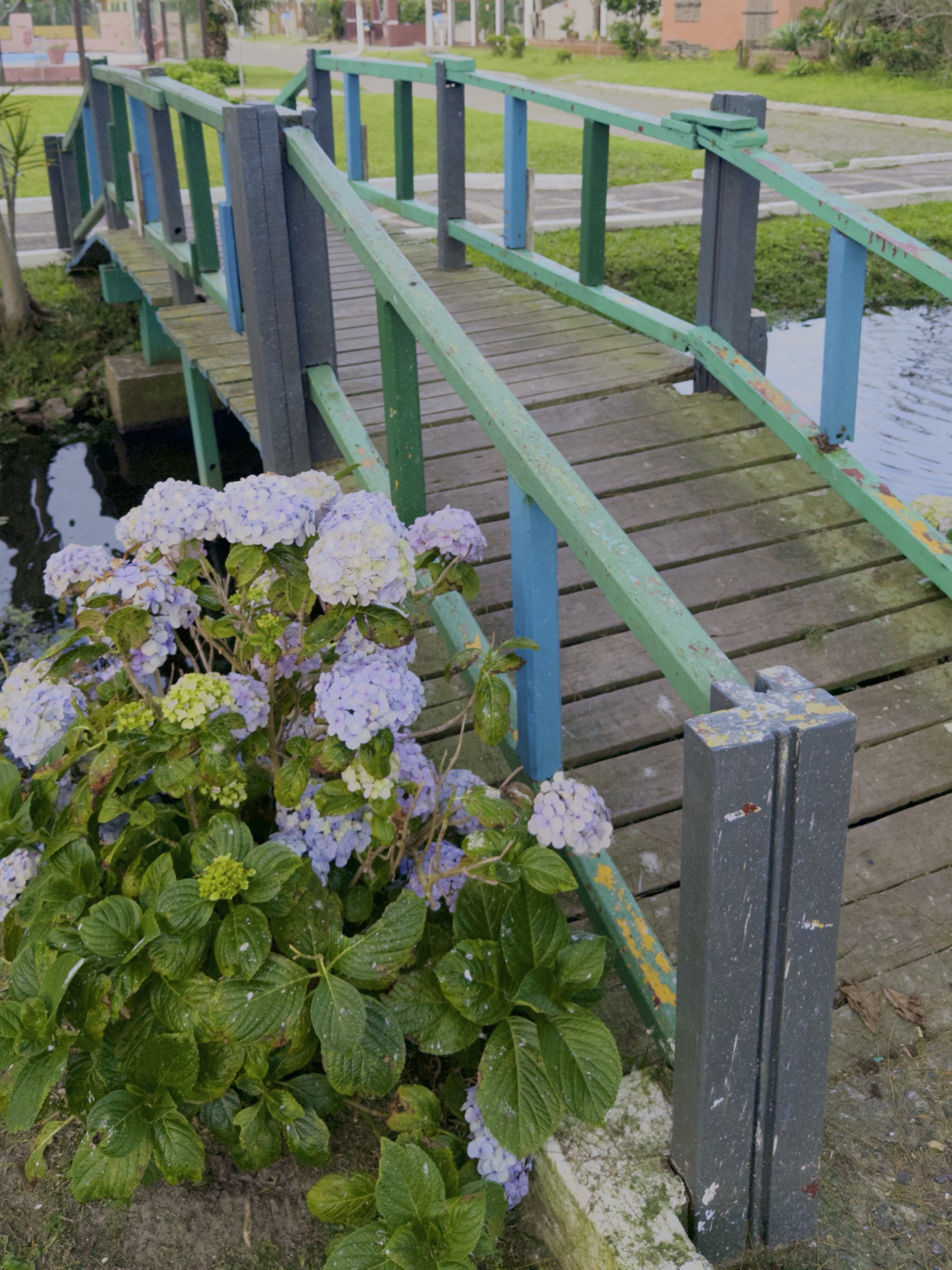
Same frame · drag to compare
02The house look
Noira.
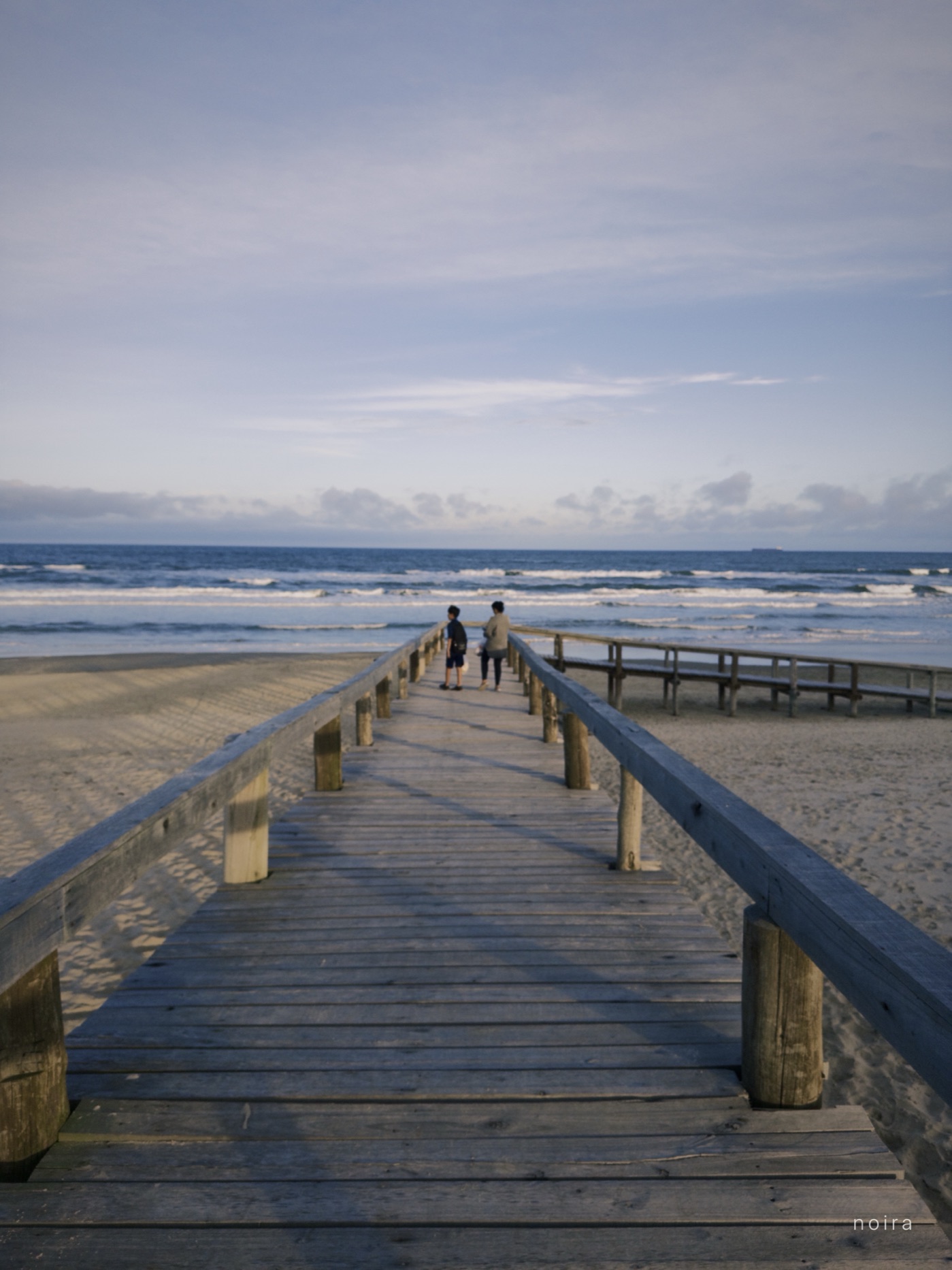
Warm color, clean blacks, fine grain in the shadows and a soft glow around bright lights.
Live in the viewfinder, so what you see is what you get.
Shot onNoira Cam.
Beach & park · one day
03Studio
Finish it,then close the app.
Open any shot from your Roll or library. Dial the look, split-tone, shape a tone curve. Every edit can be undone.
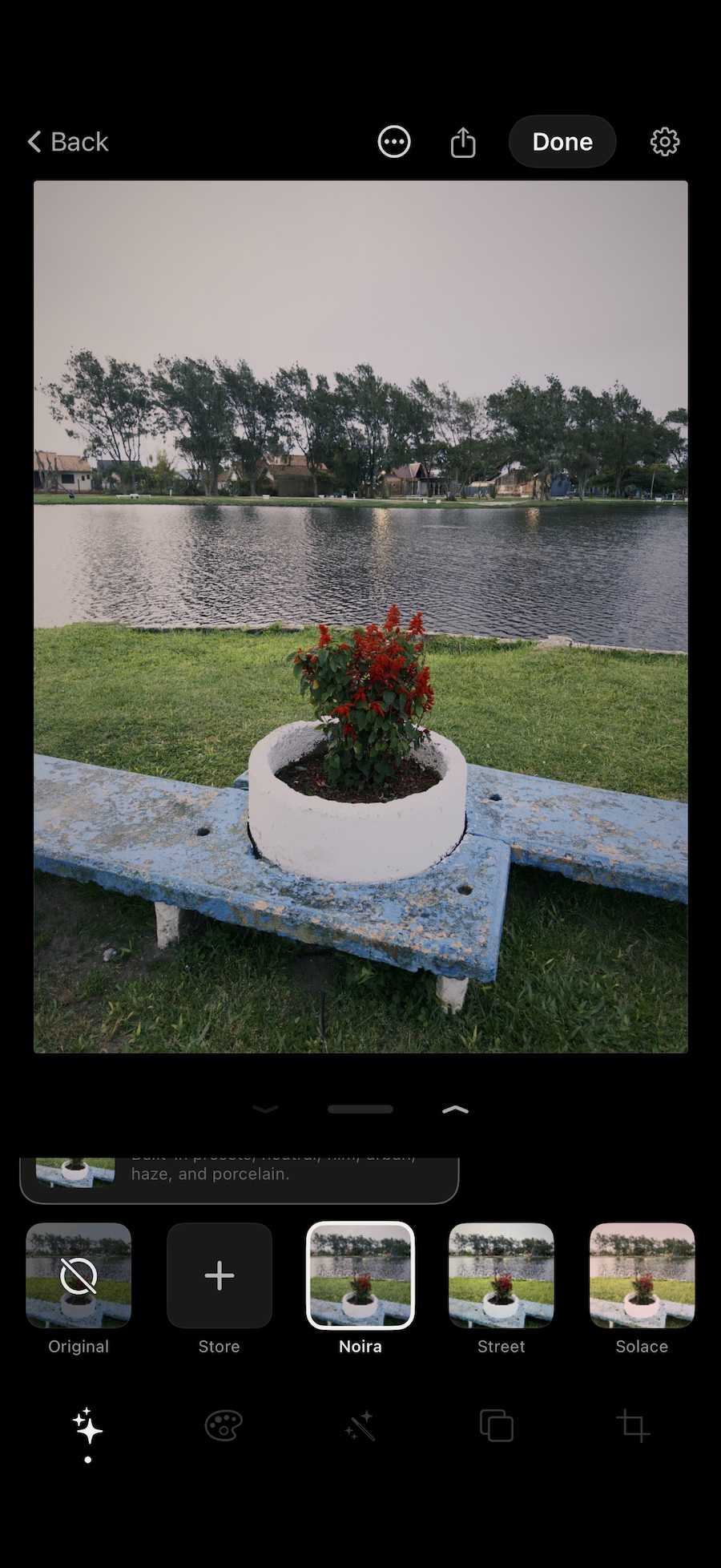
Looks & intensity
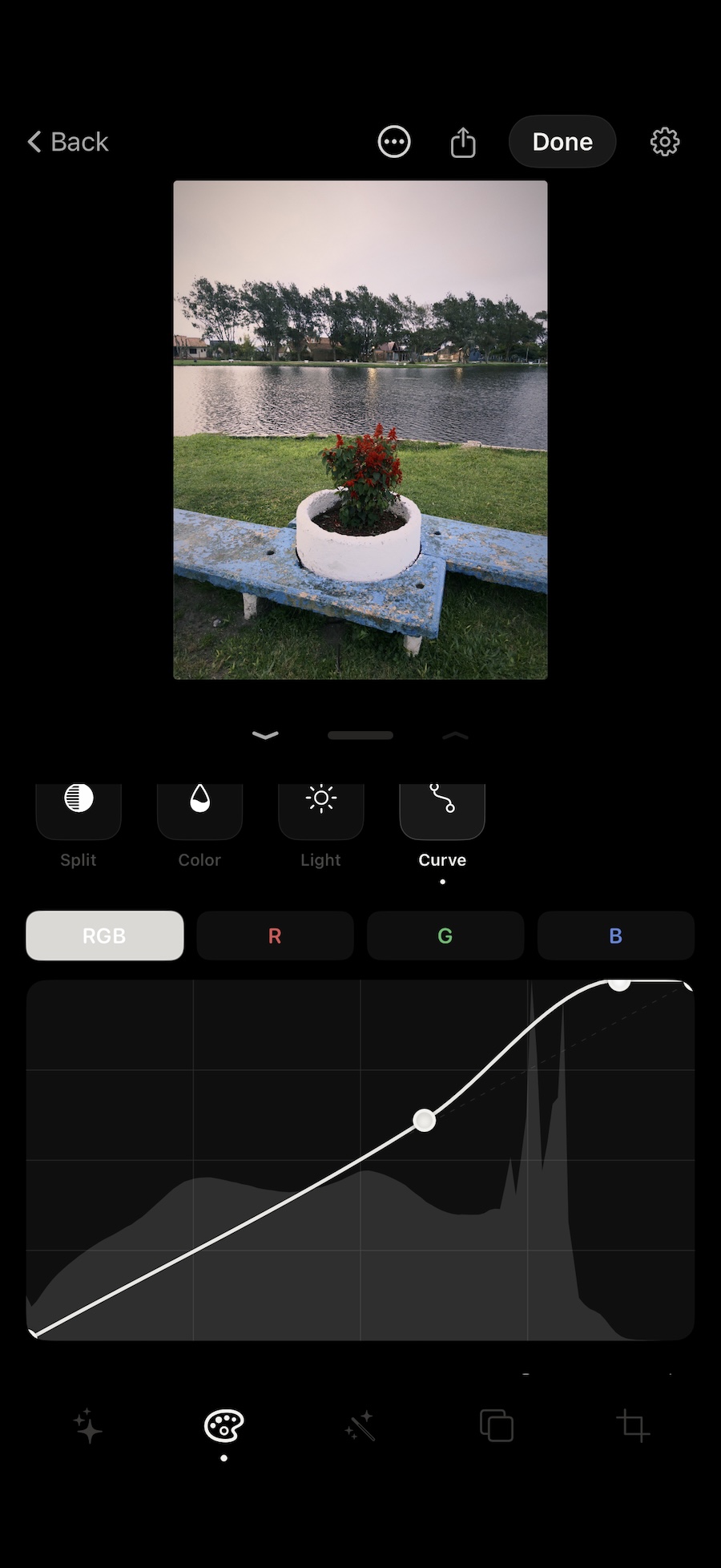
Tone curve & histogram
04Also inside
Roll
Your shots stay in the app until you export them.
Depthbeta
Add portrait blur after the shot.
Your own LUTs
Import any .cube file and use it like a built-in look.
Manual controls
White balance, exposure, lens lock, tap to focus.
Private by design
Your photos stayon your phone.
No account, no server, no upload. Noira Cam keeps your Roll inside the app and only writes to Photos when you export.
Questions
Good toknow.
Is Noira Cam free?
Yes. Noira Cam is free to download on the App Store.
Does it shoot RAW?
Yes, by default. Noira Cam captures RAW from the main lens and develops it in the app, without Apple's sharpening or HDR. You can switch to Apple's processed capture in Settings.
Are my photos uploaded anywhere?
No. There is no account and no server. Photos stay in the app's Roll on your iPhone and only go to Photos when you export them.
Which iPhones does it work on?
Any iPhone running iOS 18.6 or later.
Can I edit photos I already have?
Yes. Studio opens any shot from your Roll or your photo library, so you can apply the Noira look, split-tone and a tone curve to older photos too.
Can I use my own LUTs?
Yes. Import any .cube file in Studio and use it like a built-in look.